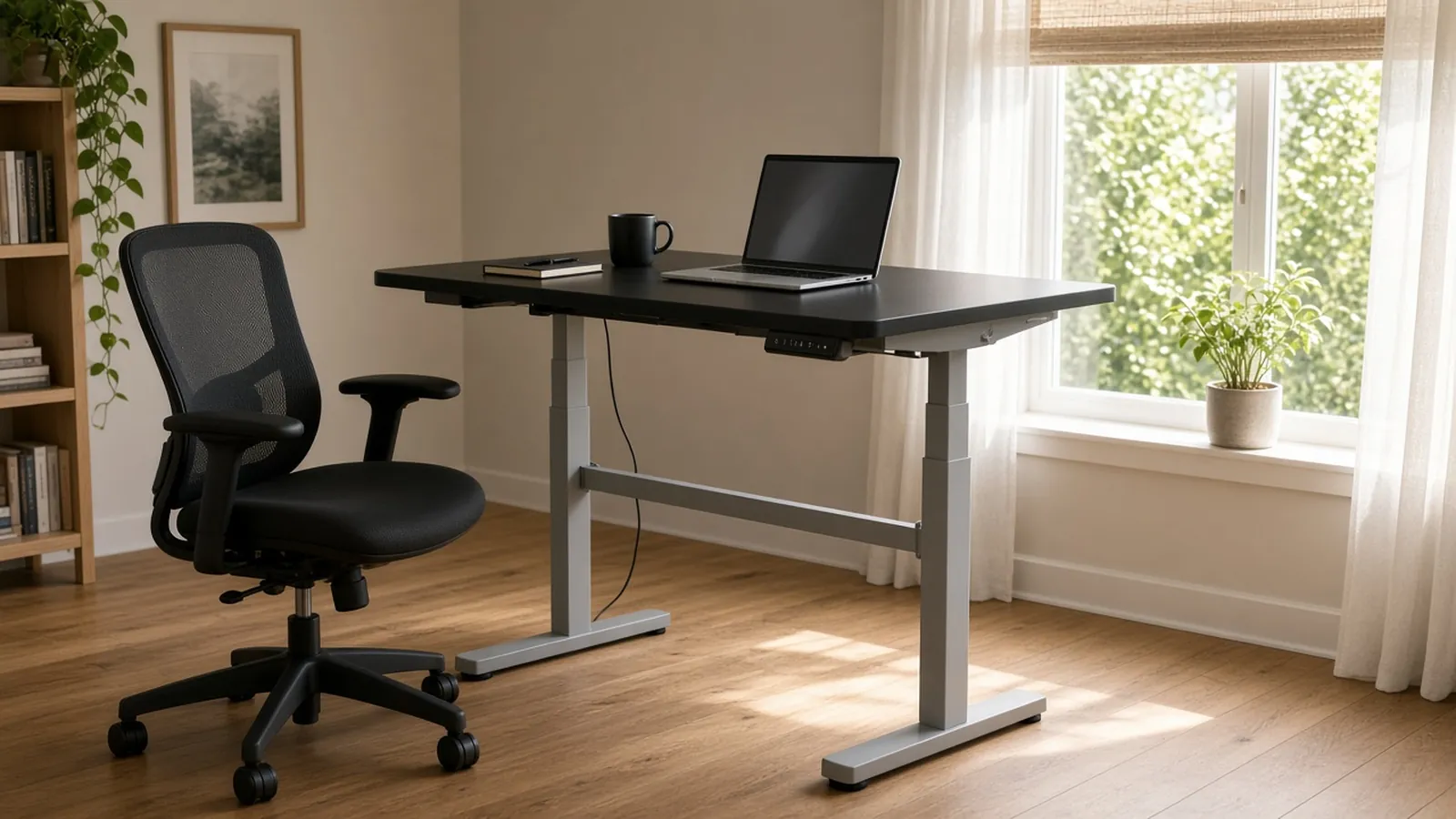
Yes, a movement reminder can still help if you have a standing desk. A sit-stand desk only switches you between two static postures, and EU-OSHA says frequent breaks for moving and walking should be part of a sit-stand routine. A reminder gives you the prompt.
For ideas on what to do when it goes off, see simple movement breaks for desk work. If you want a Mac reminder with exercises built in, see Move A Little.
Key facts
- A sit-stand desk is not a panacea. You move between two static postures, static standing for too long can bring its own problems, and frequent breaks for moving and walking should be built into the routine. EU-OSHA report, “Prolonged static sitting at work”, 2021.
- The same report says a real break is the opposite of what you have been doing. For static sitting that means moving, not static standing.
- UK HSE advises short breaks often rather than longer ones less often. For display-screen work it gives 5 to 10 minutes every hour as better than 20 minutes every two hours. HSE, checked November 10, 2026.
- HSE says break-monitoring software can remind users to take breaks, but it does not replace planning work so that breaks happen.
- EU-OSHA’s OSHwiki lists preliminary guidance to avoid standing still in one spot for more than an hour and to avoid standing at your workstation for more than four hours a day. OSHwiki, April 28, 2020.
Does standing count as a break?
Standing is a change of posture, but on its own it is not the kind of break these sources describe. EU-OSHA’s report says a break from static sitting should be moving, not static standing. HSE says breaks should let you get up and move around, or at least stretch and change posture.
That does not make a standing desk a bad idea. OSHwiki says it is an easy way to add movement and also a way to adjust the desk to the right height. It adds that you should still alternate between standing and sitting, and keep moving.
How often should you change position?
Nobody gives one answer that fits every job. HSE says there is no legal guidance on how long and how often breaks should be for display-screen work, because it depends on the work. It does say to take short breaks often and, ideally, to choose when you take them.
OSHwiki lists preliminary guidance that may help as a starting point, not a rule:
| Guidance | Source |
|---|---|
| Take a micro break and get up at least every 20 to 30 minutes of sitting. | OSHwiki, 2020 |
| Avoid standing still in the same spot for more than an hour. | OSHwiki, 2020 |
| Avoid standing at your workstation for more than four hours a day. | OSHwiki, 2020 |
| 5 to 10 minutes every hour beats 20 minutes every two hours. | HSE |
OSHwiki also notes that some people find standing difficult, for example with arthritis or sciatica. Choose what suits your body, and ask a health professional if you are unsure.
What should a reminder prompt you to do?
Move, rather than just stand. A walk to refill a glass of water, a stretch, or a change from sitting to standing and back all count as a change of posture. Pick something you can do comfortably in the space you have.
Move A Little is a Mac menu bar app that counts down to a break and then shows a short routine. Its built-in routines include Everyday Break, Posture Reset, Mobility and Full Movement. It does not detect whether you are sitting or standing, so it prompts the same way either way. That is useful if you switch between positions during the day, and a limit if you expected it to track your posture.
How do you set up a reminder around a standing desk?
- Pick an interval you will act on. Move A Little offers every 30, 45, 60, 90 or 120 minutes, or on the hour or half hour.
- Pick a break length of 30 seconds, 1, 2 or 5 minutes.
- Choose how the break appears: a full-screen overlay, which is the default, or a system notification.
- Use the break to move, then switch position if you like. Standing alone does not complete the break.
- If calls get in the way, Smart Pause holds reminders during camera or microphone use and screen sharing.
A reminder is a prompt, not proof that you moved, and none of this replaces advice from a clinician. See the pricing and license details if you want to try it.
Frequently asked questions
Do I still need breaks if I have a standing desk?
Yes. EU-OSHA says a sit-stand desk moves you between two static postures, that standing still for too long has its own problems, and that frequent breaks for moving and walking should be part of the routine.
How long should I stand at a standing desk?
No source we checked gives one right answer. EU-OSHA’s OSHwiki lists preliminary guidance to avoid standing still in one spot for more than an hour and to avoid standing at your workstation for more than four hours a day. Some people find standing difficult, so choose what suits you.
Does Move A Little know whether I am sitting or standing?
No. It counts down a timer you set and has no way to detect posture. It prompts a break whether you are sitting or standing.
What should I do when the reminder goes off?
Move rather than just stand. Walk, stretch or change posture. HSE says breaks should let you get up and move around, or at least stretch and change posture.
Want a Mac reminder that prompts you to move, whichever position you are in? Get Move A Little.