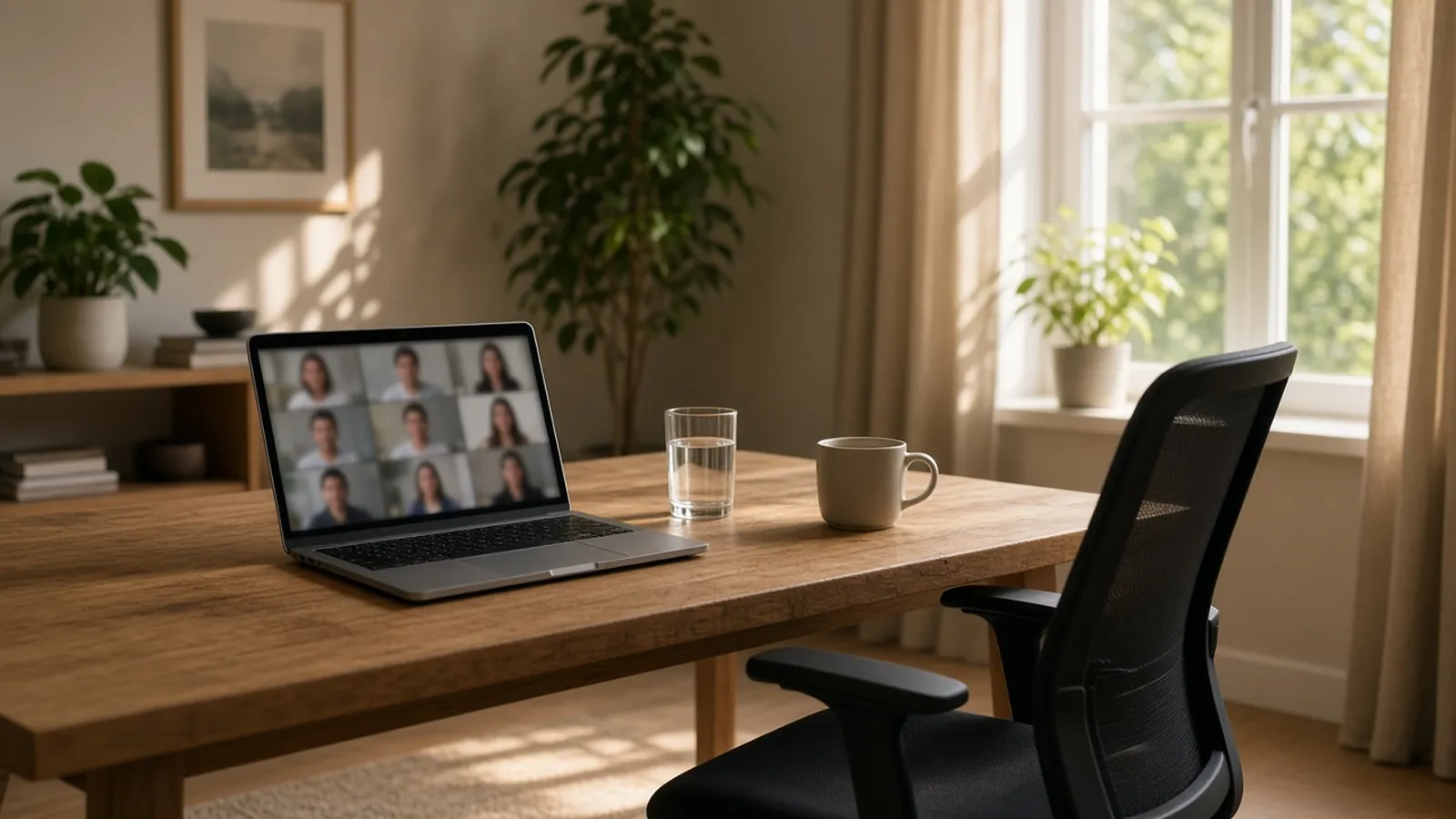
Treat the gap between two video calls as a break: stand up, move for a minute or two, and look away from the screen instead of filling the time with email. Microsoft’s 2021 brain-activity study found that stress-linked activity kept rising across back-to-back video meetings and held steady when short breaks were added.
For more ways to move at your desk, see simple movement breaks for desk work. If you want a Mac reminder that stays out of your calls, see Move A Little.
Key facts
- Microsoft’s Human Factors Lab put EEG caps on 14 people in March 2021. Stress-linked beta wave activity rose over two hours of back-to-back video meetings and held steady when 10-minute breaks sat between them. Microsoft WorkLab, April 20, 2021.
- Without breaks, the researchers saw stress-linked activity spike in the transition between calls.
- The volunteers used the breaks to meditate. The study did not test movement, and 14 people is a small sample.
- The CDC suggests standing, stretching or moving during phone calls. CDC, February 5, 2025.
Why does a gap between meetings matter?
Without a gap, one call ends as the next begins and nothing separates them. In Microsoft’s study, people who went straight from meeting to meeting showed stress-linked activity climbing over time and spiking at the changeover. People who got 10-minute breaks started the next meeting from a calmer baseline.
Microsoft’s senior director of human factors engineering, Michael Bohan, said the breaks help people “improve our ability to focus and engage” in later meetings. Treat that as one small study, not a promise that a break will fix meeting fatigue for everyone.
What should you do in the gap?
Do something that takes you away from the screen. Microsoft’s own advice is to step away from your computer and not squeeze in other work. Its article adds that other studies show physical activity such as walking is also beneficial, and that the activity can be anything that takes your mind off work.
A few options, depending on the time you have and what suits your body and space:
| Time you have | Ideas |
|---|---|
| About a minute | Stand up, roll your shoulders, refill your water, look out of a window. |
| Two to three minutes | Walk to another room, stretch your arms and back, take a few slow breaths. |
| Five to ten minutes | Walk outside if you can, or do a short desk movement break. |
Skip any movement that does not suit you. None of this replaces advice from a clinician.
If a meeting does not need a screen at all, a walking meeting can turn the call itself into movement, as long as walking is optional for everyone.
How do you protect the gap?
Ask your calendar to build it in. If every meeting runs to the minute, the gap will not exist however good your intentions are.
- Outlook: In new Outlook, go to Settings > Calendar > Events and invitations, select Shorten duration for all events, then choose how many minutes to cut from meetings under an hour and from those an hour or longer. In classic Outlook, use File > Options > Calendar > Calendar options. Microsoft Support.
- Google Calendar: Open Settings > Event settings and select Speedy meetings. Google says it shortens your preset meeting length by 5 or 10 minutes, depending on the length. Google Workspace Blog, July 22, 2019.
If a stack of calls still leaves no room, decline one or propose a new time.
Can a Mac reminder help without interrupting calls?
A Mac reminder can help you remember to move during the day, but it will not create a gap that your calendar has not made. Move A Little is a menu bar app that counts down to a break on a schedule you set. Its Smart Pause holds that countdown while a camera or microphone is in use, or while the screen is shared, and resumes it afterwards.
A few details from the app’s current behaviour:
- Smart Pause reads whether any microphone or camera is in use on the Mac, so it covers browser calls as well as desktop apps. Any other app that records from a microphone will pause reminders too.
- The pause for camera or microphone use and for screen sharing is on by default. Pausing for full-screen apps is a setting that is off by default.
- When the call ends, the countdown resumes from the time that was left. It does not trigger a break the moment you hang up.
- You can set breaks on the hour, on the half hour, or every 30, 45, 60, 90 or 120 minutes.
Use the reminder for your regular movement and your calendar for the gap between calls. The two do different jobs. To compare it with other options, read Apple Reminders or a dedicated Mac movement reminder, or see the pricing and license details.
Frequently asked questions
How long should a break between video meetings be?
No source we checked sets a minimum. Microsoft’s 2021 study used 10-minute breaks, and Outlook can end meetings a few minutes early so a gap exists. Even a short gap spent away from the screen is better than none.
Does a short break between video calls help?
In Microsoft’s 2021 study of 14 people, stress-linked brain activity held steady across four meetings when 10-minute breaks were added, and kept rising without them. The study was small and the breaks were meditation, not movement.
Should I use the gap between meetings to catch up on email?
Microsoft’s researcher advises against it: try not to use that five or 10 minutes to squeeze in other work, and take a break away from your screen.
Can a Mac reminder app stay quiet during a video call?
Move A Little holds its reminder countdown while a camera or microphone is in use or the screen is shared, then resumes it afterwards. It does not start a break when the call ends, so you still choose to use the gap.
Ready to try a movement reminder that waits out your calls? Get Move A Little.