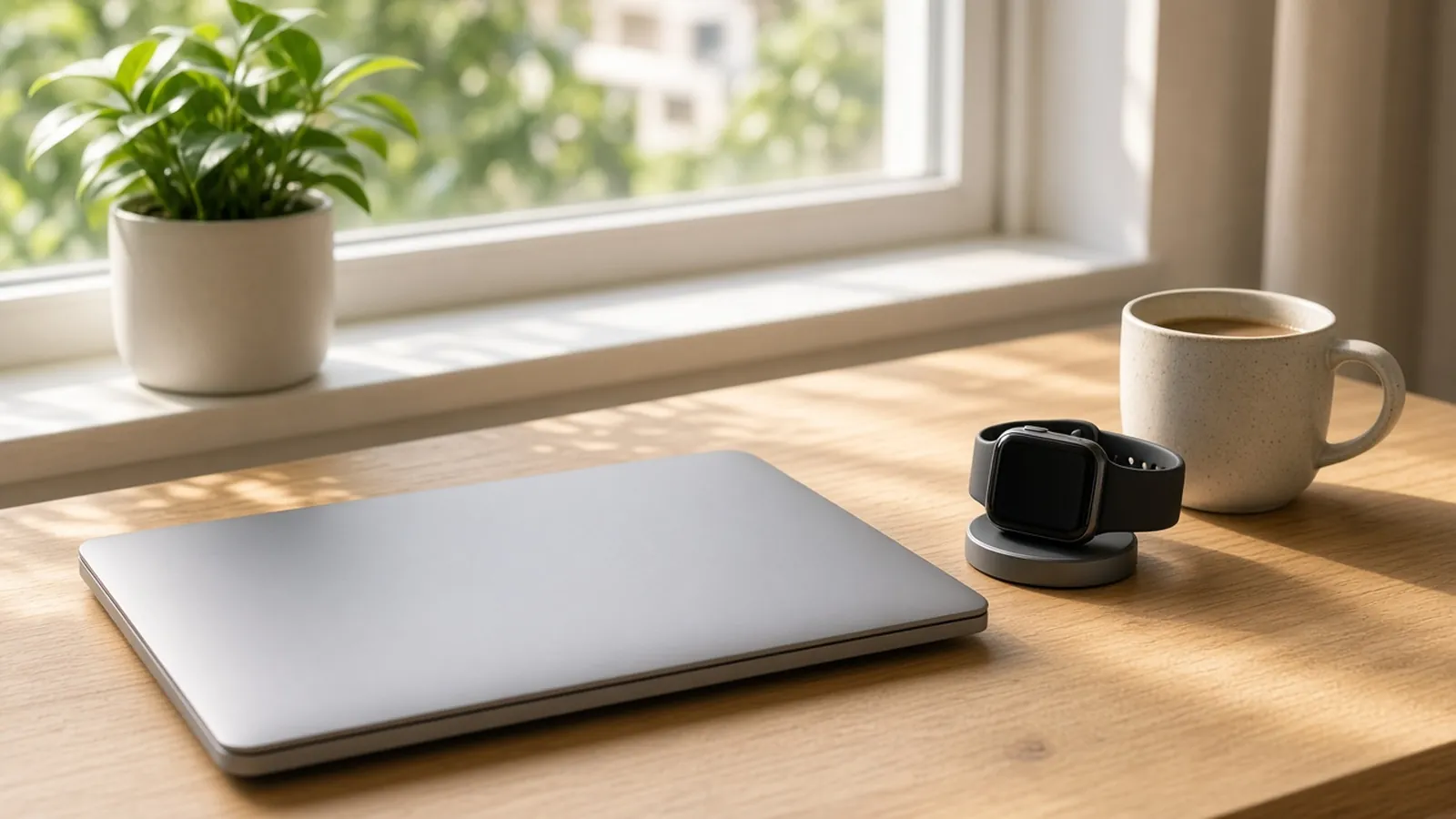
Apple Watch stand reminders suit a whole-day habit: the Watch tracks hours in which you stood and moved, and nudges you if you have been sitting. A Mac movement reminder suits desk hours: you pick the schedule, and Move A Little holds its prompts while you are on a call or sharing your screen. You can use either alone or both together.
For another built-in option, see Apple Reminders or a dedicated Mac movement reminder, and for how a focus timer differs, see Pomodoro versus a movement reminder. To try a reminder that stays quiet during calls, see Move A Little.
Key facts
- Apple’s Stand ring counts the hours in which you stood and moved for at least one minute. You close it by doing so during 12 different hours of the day. Apple, checked November 10, 2026.
- If you use a wheelchair, the Stand ring becomes the Roll ring and counts hours in which you rolled for at least one minute. Apple Support.
- Apple says to make sure Stand Reminders are turned on to get the nudge (Apple). You control activity reminders in Settings > Activity on the Watch, or in the Apple Watch app on iPhone (Apple Support).
- Focus settings made on your iPhone are shared with your Apple Watch. Apple Support.
- Apple says Apple Watch is not a medical device.
How do Apple Watch stand reminders work?
The Watch counts hours, not minutes of sitting. By Apple’s definition, an hour counts toward your Stand ring if you stood and moved for at least one minute during it. If you have been sitting for a while, the Watch nudges you to get up, provided Stand Reminders are on.
Because the ring counts clock hours, a minute of standing early in one hour and another late in the next counts as two hours, even though you may have sat for most of the time between. That is how an hourly ring works, not a fault. It does mean the Watch is built for an all-day habit rather than a tight desk rhythm.
Apple’s pages do not say exactly when in the hour a reminder arrives, so check your own Watch if timing matters to you.
How does a Mac movement reminder differ?
A Mac reminder runs on the Mac, on a schedule you choose. The table compares the two on the points that usually decide it.
| Question | Apple Watch stand reminders | Move A Little |
|---|---|---|
| Where the prompt appears | On your wrist. | On your Mac, as a system notification or a full-screen overlay. |
| What it counts | Hours in which you stood and moved for at least a minute, shown in the Stand ring. | Breaks you complete on your Mac. Break history and progress stay on your Mac. |
| Schedule | You can turn Stand Reminders on or off. | On the hour, on the half hour, or every 30, 45, 60, 90 or 120 minutes. |
| Calls and screen sharing | Use Focus; settings are shared between iPhone and Watch. | Smart Pause holds the countdown while a camera or microphone is in use, or the screen is shared. Pausing for full-screen apps is optional and off by default. |
| Away from your desk | Covers the whole day while you wear it. | Only while the app is running on your Mac. |
| Cost | Hardware you may already own. | One-time US$19 license with a 30-day money-back guarantee. See pricing. |
Sources: Apple Watch Activity guide, Apple’s Focus on Apple Watch guide and Move A Little’s Smart Pause page and app settings. Features change; check your own devices.
When are Apple Watch reminders enough?
They are enough when you already wear a Watch, your day includes plenty of time away from a desk, and an hourly nudge fits how you work. There is nothing to install, and the Stand ring gives you a daily count.
Check your Watch’s notification and Focus settings first. If your Focus does not allow notifications from the Activity app, you will not see the nudge during work hours.
When might a Mac reminder add something?
It may help if you spend long stretches at your Mac and want prompts on a schedule you set, or if you want prompts held back during video calls and screen sharing. Move A Little reads whether a camera or microphone is in use, so it covers browser calls as well as desktop apps. When the call ends, its countdown resumes from the time that was left.
It does not talk to Apple Watch or Apple Health, and it will not add to your Stand ring by itself. If you wear your Watch while you take a break, the Watch can detect that movement as it normally does.
Can you use both?
Yes, and for a long desk day the combination is simple: let the Watch cover the whole day, and let a Mac reminder shape your desk hours. If two prompts for the same break feel like too much, turn off whichever one you tend to ignore. A reminder you silence for good does nothing.
For ideas on what to do when the prompt arrives, see simple movement breaks for desk work. A reminder is a prompt, not proof that you moved, and neither tool guarantees a health outcome.
How should you decide?
- Turn on Stand Reminders on your Watch and notice whether they arrive when you are at your desk.
- If you want a schedule you control, or quiet during calls, try a Mac reminder alongside it.
- Keep whichever prompts you actually act on, and switch off the rest.
Frequently asked questions
Does Apple Watch remind you to stand?
Yes, if Stand Reminders are turned on. Apple says the Watch nudges you if you have been sitting for a while, and the Stand ring counts hours in which you stood and moved for at least one minute.
Can I turn off Apple Watch stand reminders?
Yes. On the Watch, open Settings, tap Activity and configure the notifications. You can also use the Apple Watch app on iPhone: My Watch, Apps, then Activity.
Does Move A Little work with Apple Watch?
No. Move A Little is a Mac menu bar app and does not connect to Apple Watch or Apple Health, so the two run independently.
Do I need both a Watch reminder and a Mac reminder?
Not necessarily. The Watch covers your whole day, including time away from your desk. A Mac reminder only runs while your Mac is on, but lets you choose its schedule and holds prompts during calls and screen sharing.
Want a movement reminder that waits out your calls? Get Move A Little.